If you’ve ever felt overwhelmed switching between Google Docs, Notion, Trello, AI tools, and content platforms, you’re not alone.
Modern creators, entrepreneurs, and teams often juggle five or more tools just to get basic work done. One app for writing, another for project management, another for AI assistance, and yet another to sell digital content.
It’s messy, inefficient, and expensive.
That’s exactly where Buildin.ai comes in.
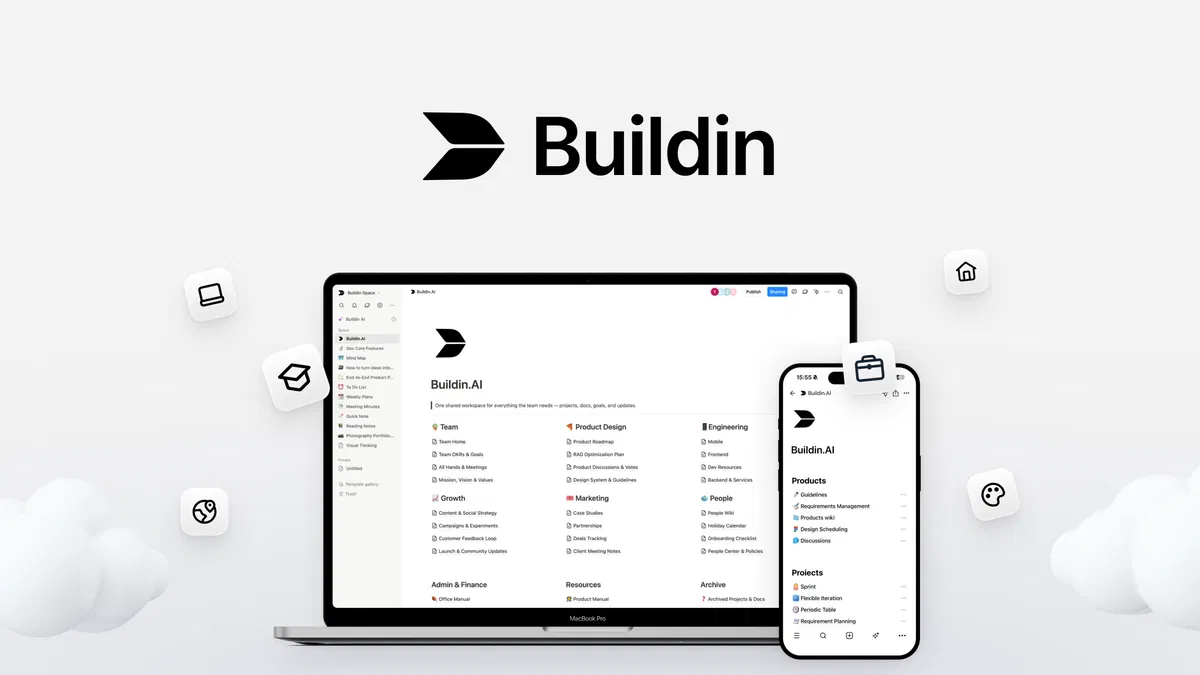
Buildin is an all-in-one digital workspace that lets you:
- Create documents
- Manage projects
- Use AI tools
- Organize knowledge
- Collaborate with teams
- Sell premium content
—all from a single platform.
In this detailed review, we’ll explore why Buildin is gaining attention in 2026, who it’s best for, and whether it’s worth switching from your current productivity tools.

What Is Buildin?
At its core, Buildin is a productivity workspace designed to replace multiple tools with one streamlined platform.
Think of it as a combination of:
- Document editor
- Knowledge base
- Project manager
- AI assistant
- Content monetization platform
Instead of jumping between apps, you can run your entire workflow inside Buildin.
This makes it especially appealing for:
- creators
- freelancers
- startups
- remote teams
- educators
- digital entrepreneurs
The goal is simple: less tool switching, more productivity.
Why Buildin Is Getting So Popular
The biggest reason people are switching to Buildin is efficiency.
Most people today use tools like:
- Notion
- Google Docs
- Trello
While each tool works well individually, managing them together can become chaotic.
Buildin solves this problem by bringing everything under one roof.
Key Features of Buildin (That Actually Matter)
Let’s break down what makes Buildin a powerful workspace.
1. Smart Document Creation
Every productivity system begins with documents.
Buildin provides a clean, flexible document editor that allows you to:
- Write articles
- Create knowledge bases
- Draft proposals
- Organize research
- Build internal documentation
Unlike traditional editors, Buildin lets you structure information visually using blocks, sections, and embedded elements.
Why this matters
Information stays organized and searchable, even when your workspace grows large.
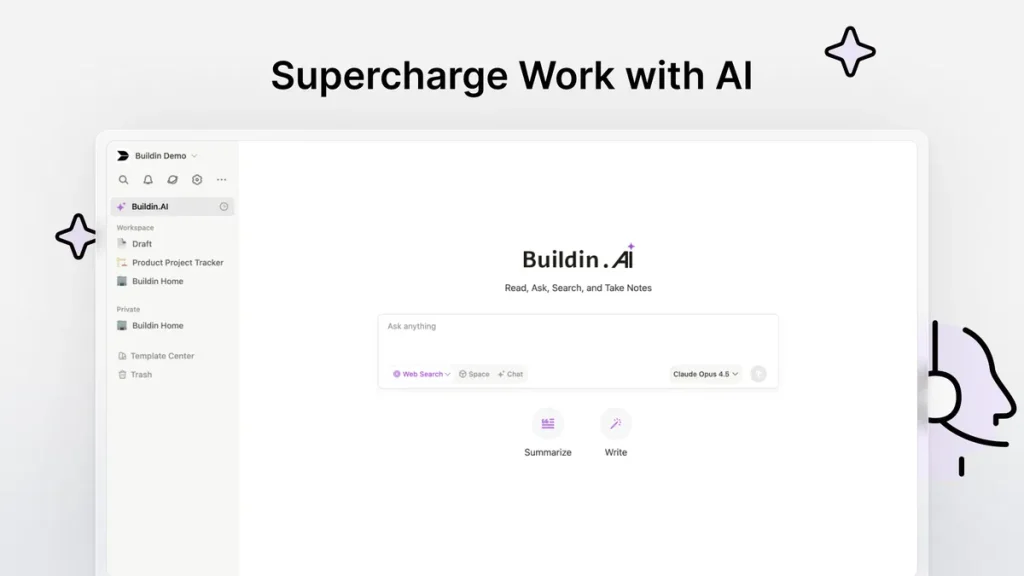
2. Built-In AI Assistant
Artificial intelligence is becoming essential in modern workflows.
Buildin integrates AI directly into the workspace so you can:
- Generate ideas
- Summarize documents
- Improve writing
- Draft emails
- Create outlines
- Analyze content
Instead of switching to separate AI tools, everything happens inside Buildin.
This makes the workflow faster and smoother.
3. Project Management Without Complexity
Many project tools are powerful—but complicated.
Buildin keeps things simple.
You can easily:
- Create tasks
- Track project progress
- Assign responsibilities
- Organize timelines
- Manage team collaboration
Because projects live inside the same workspace as your documents, everything stays connected.
No more digging through different platforms.
4. A Centralized Knowledge Hub
One underrated feature of Buildin is its knowledge management system.
You can use it to store:
- company SOPs
- meeting notes
- product documentation
- research materials
- training resources
Over time, this becomes a searchable knowledge base for your entire organization.
For teams and startups, this is incredibly valuable.
5. Sell Premium Content Directly
One feature that truly sets Buildin apart is content monetization.
Creators can turn their knowledge into premium content and sell it directly from the platform.
Examples include:
- courses
- templates
- research databases
- guides
- digital products
- membership content
Instead of managing a separate website or learning platform, Buildin lets you build and sell from the same workspace.
For digital creators, that’s a game-changer.
6. Collaboration Made Simple
Remote work has changed how teams collaborate.
Buildin supports real-time collaboration, allowing teams to:
- edit documents together
- share workspaces
- leave comments
- track updates
Everything happens in one environment, reducing miscommunication and scattered files.
7. Clean and Intuitive Interface
Many productivity platforms struggle with usability.
Buildin focuses on simplicity.
The interface is:
- clean
- distraction-free
- beginner friendly
Even users who are not tech-savvy can start using it quickly.
This is one reason why Buildin adoption is growing.

Who Should Use Buildin?
Buildin isn’t just for one type of user.
It’s incredibly versatile.
Perfect for creators
Creators can:
- organize content ideas
- draft articles
- manage projects
- monetize knowledge
Great for startups
Startups benefit from:
- internal documentation
- project management
- team collaboration
Ideal for freelancers
Freelancers can manage:
- client projects
- content planning
- research notes
—all in one workspace.
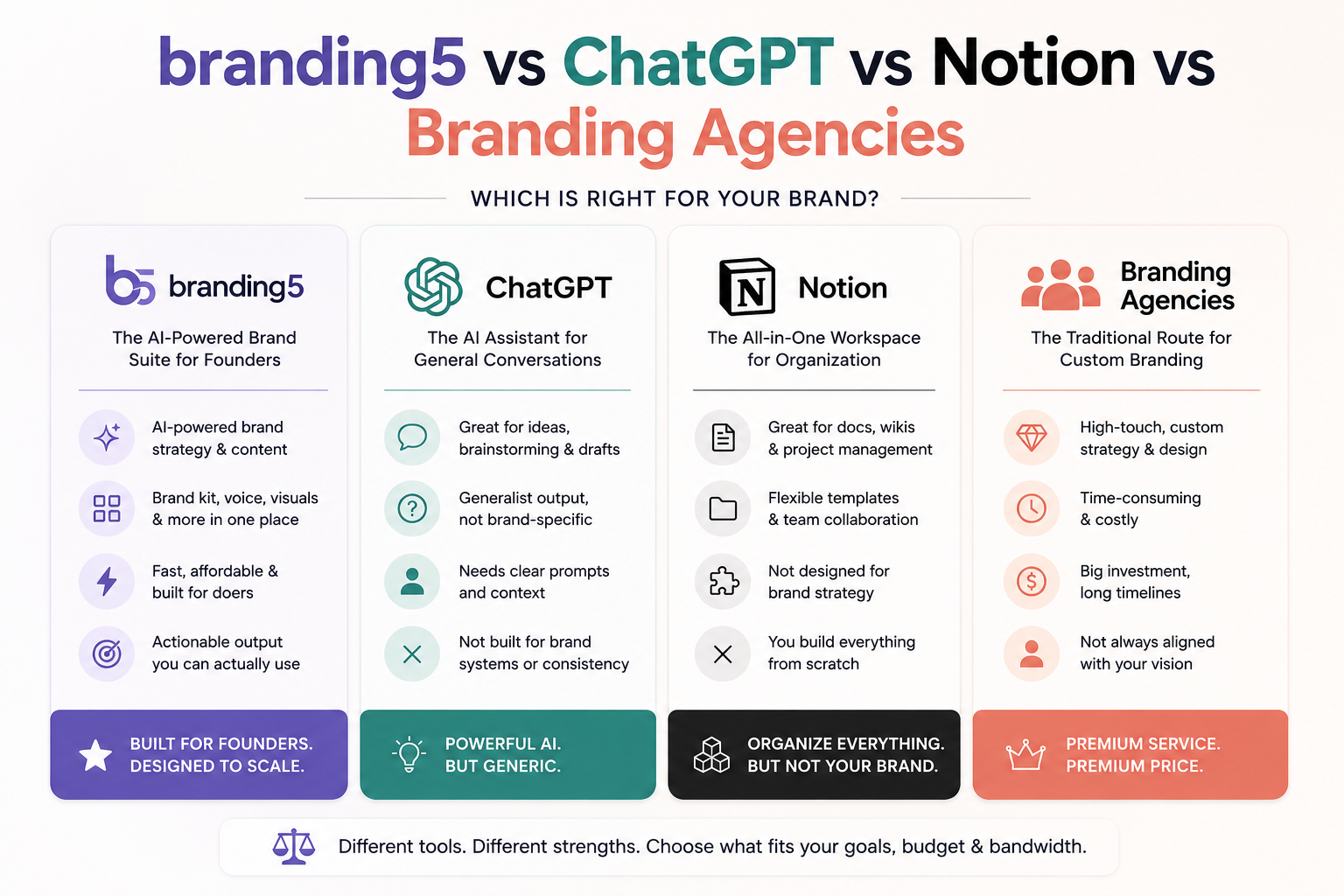
Buildin vs Notion
A common comparison people make is between Buildin and Notion.
Both are powerful workspace platforms, but they serve slightly different audiences.
Notion strengths
- massive template ecosystem
- large community
- highly customizable
Buildin advantages
- built-in AI tools
- integrated monetization
- streamlined project management
- faster setup for beginners
For creators and entrepreneurs, Buildin often feels more focused and practical.
Pros and Cons of Buildin
Every tool has strengths and weaknesses.
Let’s look at both.
Pros
✔ All-in-one workspace
✔ Built-in AI writing tools
✔ Project management features
✔ Content monetization options
✔ Easy collaboration
✔ Clean interface
Cons
✘ Smaller ecosystem compared to older tools
✘ Some advanced features still evolving
That said, Buildin is evolving quickly and improving with each update.
Why Creators Love Buildin
Creators often struggle with tool overload.
They might use:
- writing apps
- task managers
- course platforms
- AI tools
Buildin simplifies this workflow.
Instead of juggling multiple platforms, creators can:
- plan content
- write content
- organize research
- sell premium material
—all inside one workspace.
This efficiency is the main reason Buildin is becoming popular among digital creators.
How Buildin Improves Productivity
Productivity isn’t about working harder.
It’s about removing friction.
Buildin reduces friction by:
• minimizing app switching
• organizing information better
• automating writing with AI
• connecting projects with documents
When everything lives in one system, productivity naturally improves.
Real-World Use Cases
Here are some practical ways people use Buildin.
Content creators
- manage content calendars
- write blog posts
- organize research
Agencies
- track client projects
- store documentation
- collaborate with teams
Educators
- create digital learning materials
- share premium knowledge
- manage resources
Entrepreneurs
- plan business ideas
- organize strategy
- build digital products
Is Buildin Worth It in 2026?
If you’re tired of juggling multiple productivity tools, Buildin is absolutely worth trying.
It combines several essential functions:
- writing
- planning
- AI assistance
- collaboration
- monetization
Few platforms currently offer this combination in one place.
While it may not completely replace every specialized tool, for many users, it reduces their tool stack dramatically.
And that’s a huge advantage.
Final Verdict
The modern digital workspace is evolving rapidly.
Platforms that combine productivity, AI, collaboration, and monetization are becoming the future of work.
Buildin is one of the platforms leading this shift.
It’s clean, flexible, and powerful enough to support creators, teams, and entrepreneurs alike.
If you’re looking for a smarter way to organize your work and build digital products, Buildin deserves serious attention.
Ready to Simplify Your Workflow?
If you’re tired of switching between five different apps just to get your work done, it might be time to try something better.
Explore Buildin.ai and experience what a truly unified workspace feels like.
Start organizing your ideas, managing projects, using AI, and even selling your knowledge—all from one place.
Give Buildin a try today and see how much simpler your workflow can become.